I have a new favorite coding font
2 min read
Maple Mono is free, easy to read, has ligatures, and most importantly is incredibly cute.

The ramblings below are from my personal journal where I jot down whatever's going through my mind. I felt like this one could resonate with other people so I'm sharing it here with some minor edits.
I'm thinking of trying out Craft as my note-taking/second brain app again.
Truth is, Obsidian resonates so much with me on a lot of things. Principles, extendability, markdown, the file-over-app philosophy, and all the geekiness of it.
It is also truth that Obsidian is not convenient at all.
It’s hard to jot things down quickly — except maybe on the laptop, where I can have the daily note open and just jot things on the Scratch Pad section of daily notes.
But on the phone it’s just cumbersome — I feel like I actively try to avoid opening Obsidian on the phone altogether. And most of it comes from the fact that dealing with text on a phone just plainly sucks. It was the main problem of Notion too.
Craft excels at it (at least I haven’t seen anything as good) because it doesn’t assume you’re trying to select text, and is instead dealing with paragraphs/whatever as blocks. This just makes it easier to work with on the phone.
There’s plenty of downsides too. Treating everything as a block and not as text is good on mobile, but not so much on a laptop. There’s some bugs here and there (example: I can’t apply the Daily Note Template reliably, it always glitches out with a different outcome).
Plus, Obsidian has a lot of qualities too. The wikilinks are amazing, and the network you can build with them is great. Being able to link to terms even if their pages don't exist yet, for example, is a fantastic example of the philosophy behind Obsidian — links, everywhere. You don't have to know in advance what will be important, you just do some basic prepping (that honestly becomes second nature after a while) and, if those things eventually become important, you'll already have a network of mentions to that thing.
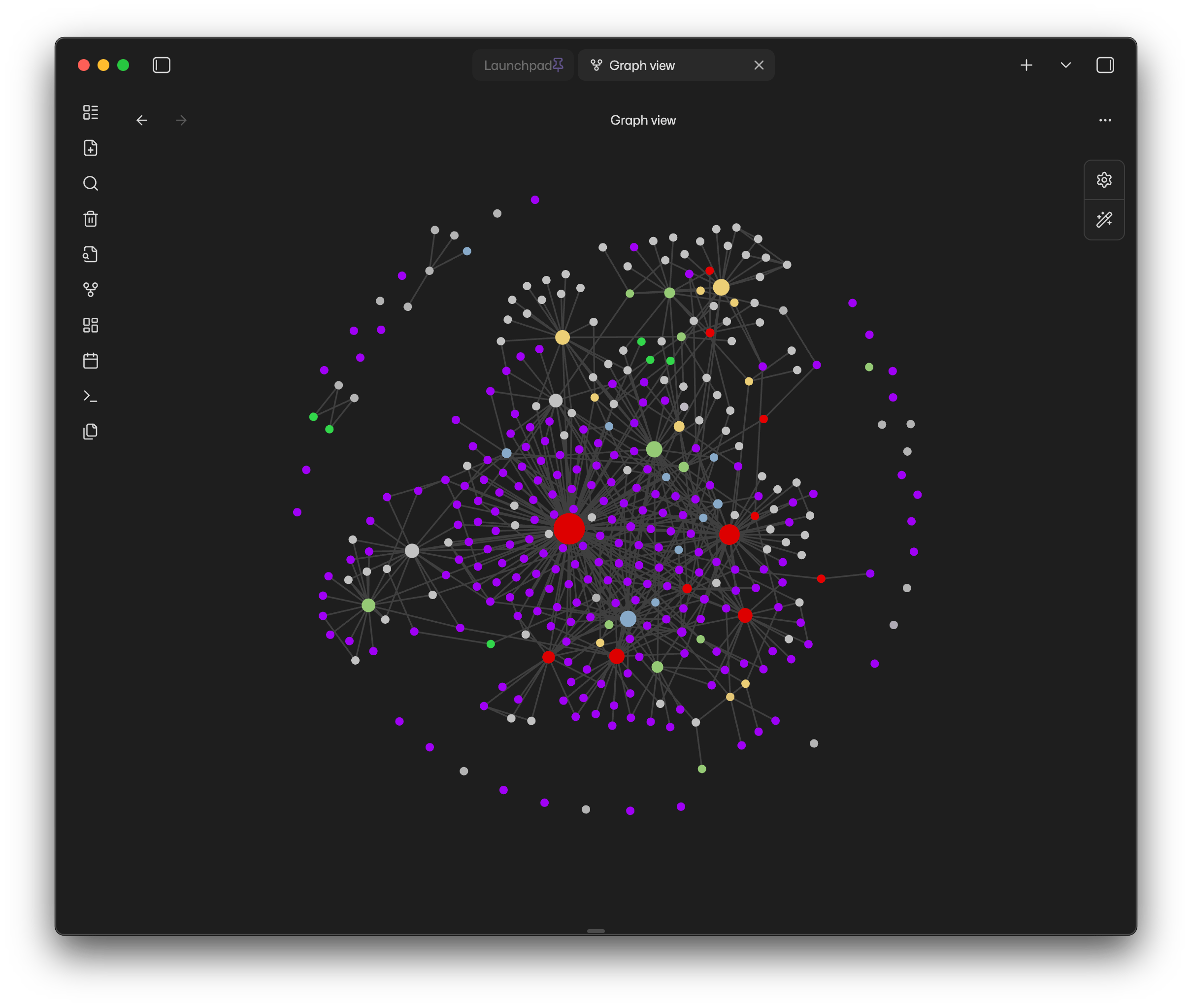
And then there’s the last thing, which is quite major: migrating things from my Obsidian vault to Craft. Looks like that’s a pain. While Markdown gets converted automatically, wikilinks conversion is not reliable. And without wikilinks, the whole structure falls apart.
This piece started as a quick way to jot down what I was doing, but it eventually became the whole reasoning as to why I think Obsidian is still the right choice for me, mobile difficulties and all. There’s some things I wish it had though; and probably there are ways to do it, I just need to do some research:
I have a new favorite coding font
2 min read
Maple Mono is free, easy to read, has ligatures, and most importantly is incredibly cute.
The best Mastodon client now has an iOS version!
7 min read
Meet iPhanpy, the best way to use Phanpy on iOS.
My Default Apps: 2025
2 min read
Updated list of my apps of choice for daily activities!
The Quest for a Good Arc Replacement
11 min read
I’ve been trying to find a good replacement for Arc and got reminded of how hard it is to find a good option for a browser.